


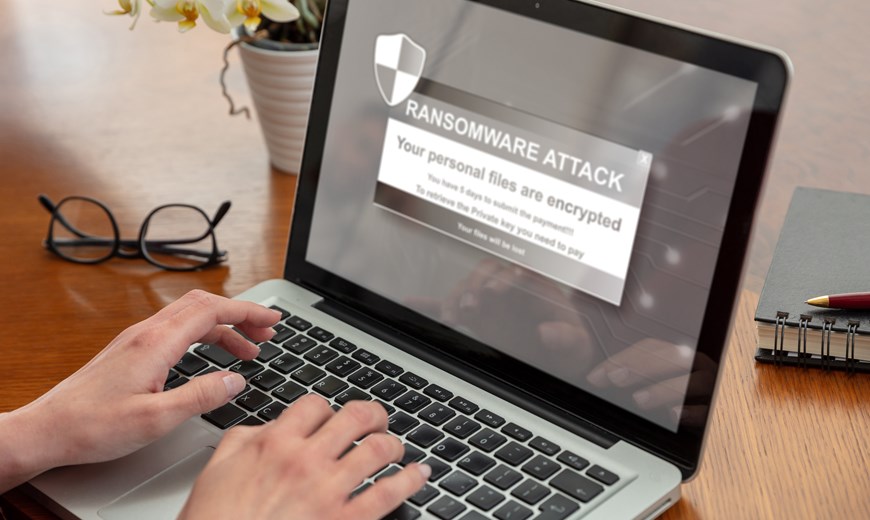
Protecting Against Ransomware Attacks
The best protection against ransomware is thorough preparation - once a system has been infected, recovery is often no longer possible.
There are several steps users can take to protect themselves against ransomware attacks:
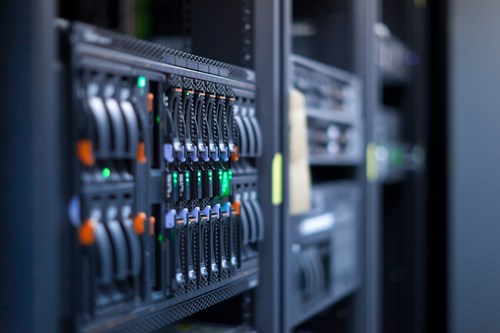
- Regularly back up your important data and store the backups in a secure location that is separate from your computer. In addition to conventional network backups, we use dedicated NVMe M.2 SSDs in external enclosures that are connected via Thunderbolt when required. This allows full backups to be completed within seconds, while the drives can be stored conveniently and securely.
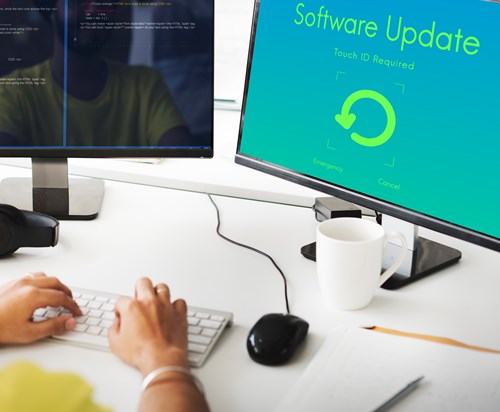
- Keep your operating system and applications up to date by installing security updates and patches regularly. At a minimum, this should be done after every Microsoft Patch Tuesday. However, we recommend installing updates daily after working hours. This should include not only Windows Update, but also applications with their own update mechanisms, such as Google Chrome.
- Use trusted anti-malware software and keep it up to date to ensure that it can detect the latest threats. At this point, we recommend referring to the section on firewalls. The same principle applies here: in most cases, the built-in security tools provided with Windows 10 or Windows 11 are already sufficient.
- Always exercise caution when opening emails or attachments from unknown senders or when dealing with suspicious messages. When you are unsure whether an email is legitimate, do not open it. Delete it instead.
- Avoid downloading software or files from untrusted websites. Download software only from official websites or trusted sources. Do not automatically trust the highest-ranking Google search results or sponsored advertisements. These may lead to copies of legitimate vendor websites that distribute malware-infected software.
- Use complex and unique passwords for every account. We recommend using a password manager such as KeePass, which is available for all major operating systems. The general recommendation to change passwords regularly is now considered somewhat outdated. However, passwords should be changed immediately whenever there is reason to suspect that they may have been compromised.
- Use a firewall to prevent unauthorized access to your computer and network. Workstations should never be connected directly to the internet without a properly configured router. Manufacturers such as AVM, known for the FRITZ!Box product range, provide devices with a solid level of basic protection that filters out many threats.
Your workstation itself must also be considered. Windows 10 and Windows 11 are already configured with effective built-in security features. In such cases, purchasing questionable third-party “internet security” solutions is usually unnecessary and may even reduce security. Every additional software product installed on a computer can introduce further potential vulnerabilities.
For most users, the built-in security features of Windows 10 or Windows 11, combined with an up-to-date router from a reputable manufacturer, provide the most practical level of protection. Sophisticated security equipment offers little benefit when it is not configured and operated correctly—in some cases, it may even have the opposite effect.
- Regularly train yourself and your employees to recognize phishing and social engineering attacks. Ensure that the training content is presented in a clear, understandable and, where appropriate, engaging manner. The subject is already complex enough, so employees should be introduced to it in an accessible way. Training that is too dry or overly technical is quickly forgotten.
By implementing these measures, you can reduce the likelihood of becoming a victim of ransomware and improve the protection of your data and systems.